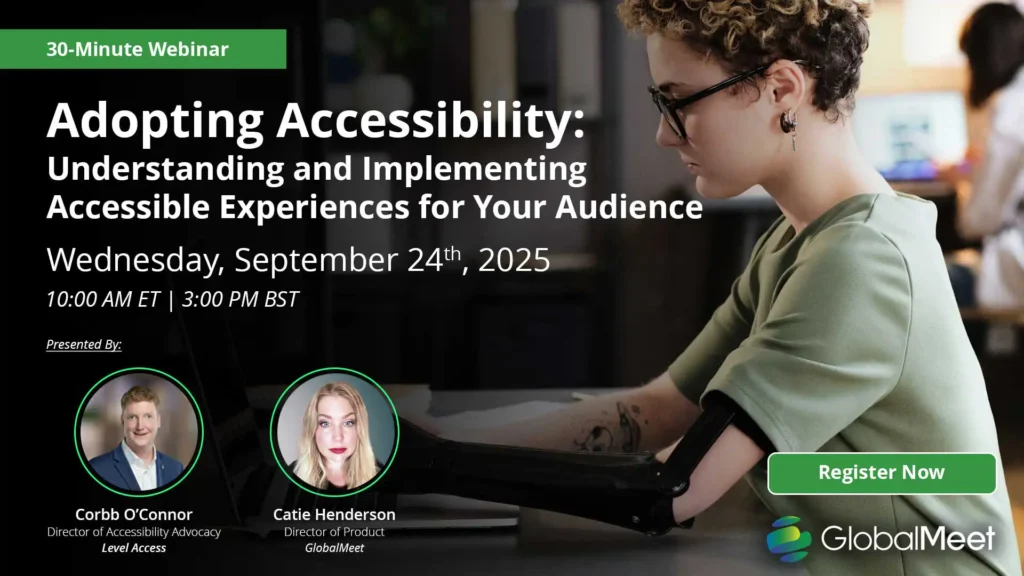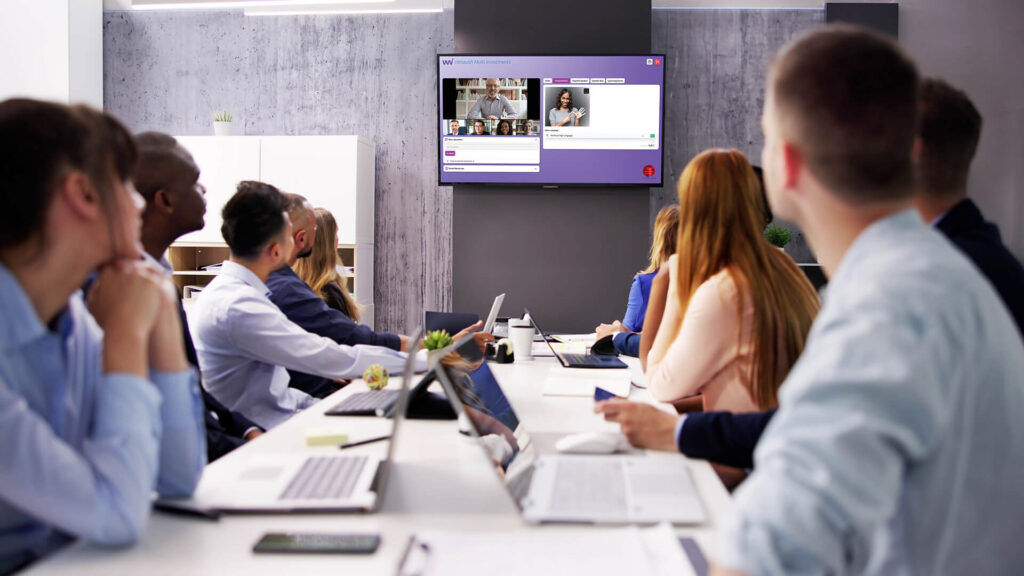
Accessibility in virtual events has evolved from a “nice to have” feature into a necessity for modern organizations, driven by a combination of regulatory requirements, audience expectations, and long term business impact.
Accessibility is No Longer Optional
According to the world health organization, an estimated 1.3 billion people globally live with a disability, making accessibility essential for reaching a truly global audience. In the US this number was reported as 28.7%, over 70 million people. 6.2% of those report experiencing hearing loss with 5.5% experiencing vision loss.
With the reported numbers of individuals living with disabilities on the rise year on year, and regulatory guidance like WCAG2.2 becoming standard practice, it’s never been more important for enterprise organizations operating on a global scale to design their virtual events with accessibility in mind.
Why Accessibility Matters in Virtual Events
Accessibility in virtual events benefits every attendee, not just those with additional requirements. Accessible features like captions, transcripts, and simplified navigation tools can improve usability across a wide range of audiences.
Attendees joining from noisy environments may benefit from captions. Simple navigation aids those joining virtual events from mobile devices, and translations via both audio and captioning can significantly broaden reach.
Accessible events can also deliver measurable business benefits:
- Increased attendance and engagement
- Expanded global reach
- Improved audience satisfaction
- Stranger brand reputation
- Reduced compliance risk.
People who regularly use accessibility aids also represent significant global spending power, an estimated $8 trillion worldwide, making accessibility an important commercial consideration in addition to inclusivity measures.
Accessibility as a Compliance Requirement
With recent regulatory changes, such as the European Accessibility Act becoming enforceable in 2025, introducing legal requirements for digital accessibility, it is increasingly important for organizations hosting virtual events to carefully evaluate event platform capabilities.
Standards that should be met as an accessibility baseline by any virtual event platform are:
- WCAG 2.2 Accessibility Guidelines
- European Accessibility Act
- ADA Accessibility Requirements
- Section 508 Compliance
Organizations that proactively invest in accessibility are better positioned to meet acceptable standards, reporting higher conversions and customer trust scores, while reducing legal and compliance risks.
Despite this, accessibility gaps remain a widespread issue. Analysis shows that over 90% of website home pages still have detectable WCAG accessibility failures, creating an opportunity for organizations that meet requirements to stand out against the rest.
AI Powered Accessibility Features for Virtual Events
Artificial Intelligence Tools are becoming increasingly widespread as accessibility features in virtual events, with many enterprise webcasting platforms including built in, AI enhanced accessibility.
Real-Time Captioning
AI generated captions, though not always fully suitable for WCAG compliance, can act as an immediate accessibility aid for attendees who are deaf, hard of hearing, joining from noisy environments, or simply prefer to have captions alongside standard audio.
Live Translation and Multi-Language Support
Translation tools using AI can help organizations to reach wider global audiences by providing captions, and occasionally translated audio, in multiple languages. Though often not as accurate as live human translation, AI translation can be a great starting point for global accessibility improvements.
Automated Transcripts
Event transcripts, created and distributed automatically at the end of an event, can not only increase accessibility scores, but can also be repurposed to create on-demand resources, extending the life and ROI of an event.
Captioning and Multi-Language Support
Captioning is one of the most important accessibility features for every virtual event, with research suggesting that over than 50% of adults regularly use captions even when audio is available, with that number raising to 75% for younger adults. High quality captions can also improve comprehension and content recall while supporting attendees with additional requirements.
Captioning best practices include:
- Providing captions during every event
- Ensuring captions are accurate and readable
- Including speaker identification in captions
- Offering downloadable transcripts on-demand alongside recordings after the event
- Supporting captions in multiple languages where possible
Best Practices for Accessible Event Design
Accessibility issues are often rooted in design, which is why it’s vital to consider tools and at best practice recommendations at every step of event planning, design, and delivery.
Presentation Design
For the best comprehension and clarity presentation slides should:
- Use high contrast colors
- Avoid small fonts
- Provide alternative text for images
- Avoid excessive animations
Speaker Best Practices
To work effectively with accessibility tools, speakers are encouraged to:
- Speak clearly and at a moderate pace
- Describe any visual content verbally
- Avoid overlapping with other speakers
- Allow adequate time for questions
Platform Accessibility Features
Your chosen virtual event platform should offer at a minimum:
- Captioning and translation options
- Keyboard navigation
- Screen reader compatibility
- Adjustable font sizes
- Moderated chat and Q&A
Accessibility for Hybrid Events
Accessibility measures should extend beyond live virtual events. Hybrid and on-demand event experiences can also benefit from accessible event design.
Captioned Recordings: Provide the same level of accessibility to attendees regardless of how they join and engage with event information.
Downloadable Transcripts: Allow live attendees to recap information, and can act as an additional resource to aid comprehension for those attending on-demand.
Multi-Language Playback: Opens on-demand options to a global audience, expanding the reach and ROI of your events.
Simplified Navigation: Makes it easier for all attendees to move through your virtual event and access the sessions and information that they need.
By including accessible features for attendees whether in person, virtual, or on demand, organizations can allow every participant to engage with content at their own pace, in the way that suits them most.
Making Accessibility Part of Your Virtual Event Strategy
Accessibility should not be treated as a one-time initiative. Instead it should be integrated into long-term virtual events strategies.
Organizations that prioritize accessibility benefit from:
- Higher engagement
- Greater audience reach
- Improved attendee satisfaction
- Stronger compliance positioning
By designing accessible virtual events, organizations can create better experiences for everyone.
Conclusion
Accessible events are not optional for modern organizations. By prioritizing accessibility, organizations can expand their reach, improve engagement, and create better experiences for all attendees.
As virtual and hybrid event requirements continue to evolve, virtual event accessibility will remain a key component for successful event strategies, and organizations that invest in accessibility today will be better prepared for the future.
Frequently Asked Questions
Why is accessibility important for virtual events?
Accessibility is important for virtual events as it helps ensure that all attendees can participate fully, including those with disabilities, non-native speakers, and attendees in loud environments. It also improves engagement and supports compliance requirements.
What accessibility features should virtual events include?
Captions, transcripts, screen reader compatibility, keyboard navigation options, and accessible slide design.
Is accessibility required by law?
In some regions inclusion of accessibility features is required as part of wider regulations. At a minimum, organizations should ensure they are aligned with standards such as WCAG2.2 and the European Accessibility Act.
How does accessibility improve engagement?
Accessible features improve comprehension, reduce friction, and make it easier for all attendees to participate.
What is the easiest way to improve virtual event accessibility?
Start by adding captions, providing transcripts, and prioritizing accessible presentation design.